
Title
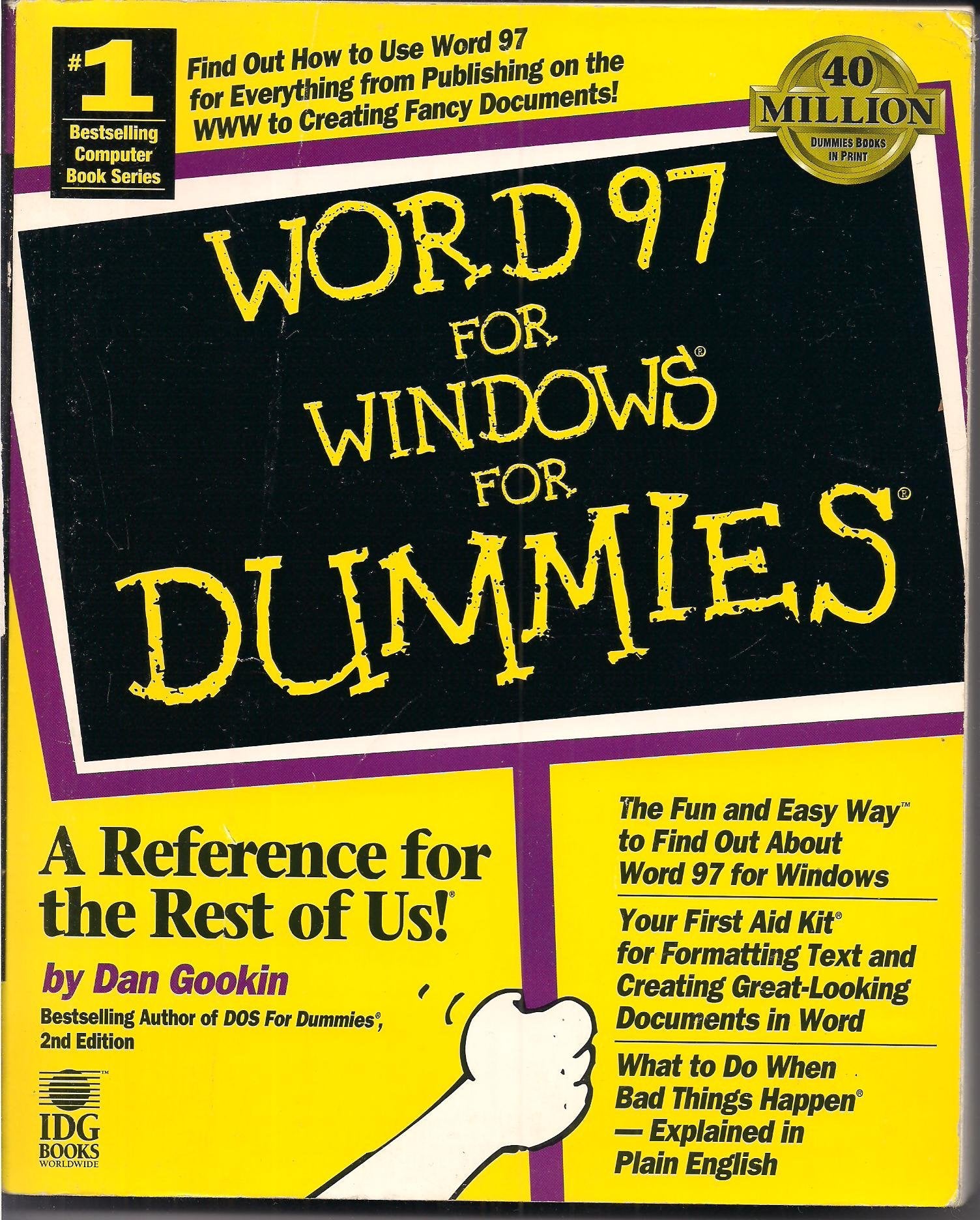
Word 97 for Windows for Dummies,Used
Sold by Ergodebooks, an authorized reseller.
Returns accepted within 30 days | support@ergodebooks.com
Shipping Information
- Free Standard Shipping — United States only
- Processing Time: 3–5 business days
- Estimated Delivery: 6–10 business days after dispatch
- Double-boxed, fully insured & discreetly packaged
- Tracking number sent via email once dispatched
Returns & Refund
Returns accepted within 30 days of delivery.
Damaged or Defective Item
Free return shipping + replacement or full refund
Wrong Item Received
Free return shipping + replacement or full refund
Change of Mind
Return shipping at customer's expense · 25% restocking fee applies
Payment Option

Cut and paste, search and replace, format and print, or delete and destroy to your hearts content with the latest upgrade to Word, Microsofts powerful word processing software for Windows 95. Whether youre writing everyday office documents, formatting mailmerge letters, composing fancy brochures and newsletters, or creating content for the World Wide Web, Dan Gookins humorous, insightful guide to all things Word safely steers you through the ins and outs of the wondrous ways that Word works.Word 97 For Windows For Dummies is the fun and easy way to create greatlooking documents in Word (and to find out what to do when bad things happen). This book features sound advice and stepbystep details on everything from Word basics to advanced features (such as including graphics, tables, and charts in your documents and using Words integrated wizards to make formatting, printing, and other cool Word stuff as easy as pointandclick).Plus, be sure to check out Dans Top Ten Lists for Word 97, including ten cool tricks, ten features you dont use (but paid for anyway), ten shortcut keys worth remembering, and the ten commandments of Word.
⚠️ WARNING (California Proposition 65):
This product may contain chemicals known to the State of California to cause cancer, birth defects, or other reproductive harm.
For more information, please visit www.P65Warnings.ca.gov.
- Q: How many pages does the book have? A: The book has four hundred thirty-two pages. This length provides an extensive overview of Microsoft Word's features and functionalities.
- Q: What is the binding type of this book? A: The book is paperback. This makes it lightweight and easy to handle for readers.
- Q: What are the dimensions of the book? A: The book measures seven point four four inches in length, zero point eight eight inches in width, and nine point two five inches in height. These dimensions make it a compact and convenient reference.
- Q: Is this book suitable for beginners? A: Yes, this book is suitable for beginners. It offers step-by-step guidance on using Microsoft Word effectively.
- Q: What age group is this book appropriate for? A: This book is appropriate for adults and older teens. Its content is designed for anyone looking to improve their word processing skills.
- Q: Can I use this book for advanced Word features? A: Yes, this book covers advanced Word features. It includes sections on using graphics, tables, and charts.
- Q: How should I store this book? A: Store the book in a dry, cool place away from direct sunlight. This will help preserve its condition over time.
- Q: Is there a warranty or return policy for this book? A: Typically, books do not come with a warranty. However, check the retailer's return policy for details.
- Q: What if my book arrives damaged? A: If your book arrives damaged, contact the seller for a replacement or return. Most retailers have policies for handling such issues.
- Q: Does this book include tips and tricks for Word? A: Yes, the book includes tips and tricks for using Word effectively. It features Dan Gookin's Top Ten Lists to enhance user experience.
- Q: Is this book helpful for creating web content? A: Yes, this book provides guidance on creating content for the World Wide Web. It covers essential formatting tips for online publishing.
- Q: Are there illustrations or graphics in the book? A: Yes, the book includes illustrations and examples to help clarify instructions. These visuals enhance the learning experience.
- Q: Can I find shortcuts for Word in this book? A: Yes, the book contains shortcut keys worth remembering. These shortcuts can greatly improve your efficiency when using Word.
- Q: Does this book provide troubleshooting tips? A: Yes, it includes troubleshooting tips for common issues users may encounter with Microsoft Word. This makes it a practical guide.
- Q: Is the author of this book experienced in teaching Word? A: Yes, Dan Gookin is an experienced author in teaching Microsoft Word. His humorous approach makes the material engaging and accessible.