
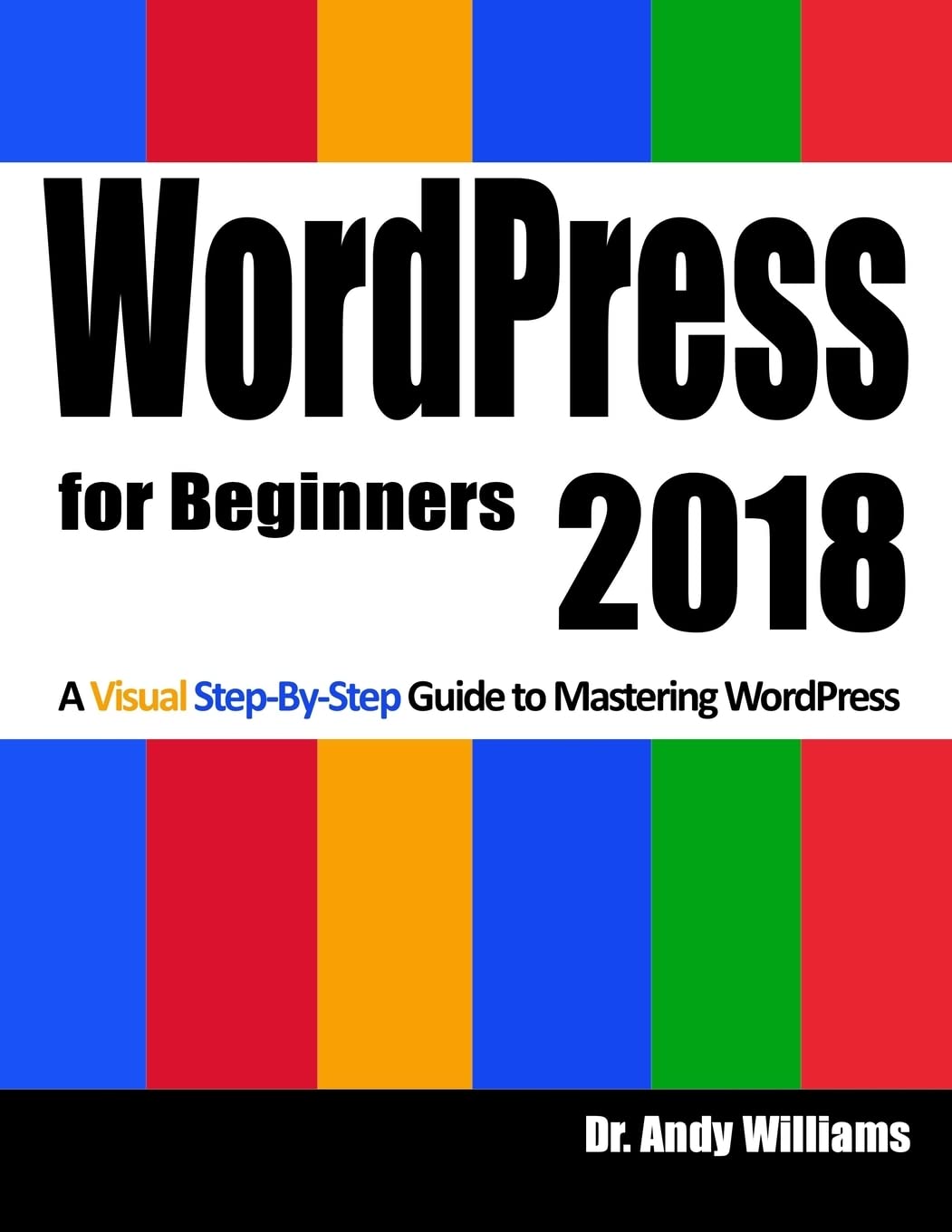
Title
WordPress for Beginners 2018: Subtitle What's this? A Visual StepbyStep Guide to Mastering Wordpress,Used
Sold by Ergodebooks, an authorized reseller.
Returns accepted within 30 days | support@ergodebooks.com
Shipping Information
- Free Standard Shipping — United States only
- Processing Time: 3–5 business days
- Estimated Delivery: 6–10 business days after dispatch
- Double-boxed, fully insured & discreetly packaged
- Tracking number sent via email once dispatched
Returns & Refund
Returns accepted within 30 days of delivery.
Damaged or Defective Item
Free return shipping + replacement or full refund
Wrong Item Received
Free return shipping + replacement or full refund
Change of Mind
Return shipping at customer's expense · 25% restocking fee applies
Payment Option

Master WordPress using our stepbystep visual approach (over 250 screenshots).Building a beautiful, professional looking WordPress website, is no longer the domain of computer geeks. WordPress makes it possible for anyone to create and run a website that looks great on any device PC, Mac, tablet and phone, for hobby or business.The primary goal of this book is to take anyone, even an absolute beginner, from zero to WordPress "guru" in a few short hours. I'll hold your hand, stepbystep, all the way. You get to watch over my shoulder as we explore the WordPress Dashboard.Inside this book, veteran WordPress expert Andy Williams will start at the very beginning. You'll learn: The two different versions of WordPress. Website hosting and domain registrars. How to set this up with separate registrar and host, for more security. How to install WordPress. An overview of the Dashboard including how to find hidden items. Cleaning out the stuff that is installed by default. Finding and installing WordPress themes to instantly change the look and feel of your website. Plugins. What they are and how you can use them to create magnificent websites. How to update WordPress, themes and plugins. Every single Dashboard setting, what they do, and what you should use in the settings of your website. How to find and use the RSS feeds on your site to help search engines find your content. The importance of user profiles, and how to assign a "Gravatar" image to your email address. How to create great navigation systems on your site, with custom menus, internal linking and related post sections. Enabling and dealing with visitor comments. Using the media library for images, video and more. The difference between pages and posts, and a simple way to know which one you should be using for each bit of content you publish on your website. Effective use of categories and tags. Using these incorrectly can get your site penalized or even banned from search engines. How to write posts, and even schedule them so they will be published at some future date. Using post revisions. Two different types of homepage. A blog style page v a more traditional "static" homepage. Using widgets on your site to add neat features.I'll take you through several essential plugins, including plugins that can: Automatically backup your site and send backups to the cloud, or your email address. Automatically create important legal pages like terms and privacy policy. Create a Contact Page so your visitors can contact you. Setup good SEO practices. Setup social sharing buttons on your site, so visitors can easily tell their friends about your great web pages.Most people learn better when they can actually see what they are reading about, so one thing this book isn't, is shy about screenshots. There are over 250 of them, showing you exactly what you will see on your screen, and prompting you to take specific actions as you learn and master WordPress. You may have heard that WordPress has a steep learning curve. With this book, you won't even notice it. Each chapter ends with a "Tasks to Complete" section. By completing these tasks, you'll not only become proficient with WordPress, you'll become confident at using WordPress. By the end of the book, you'll be building great looking, professional WordPress websites that look fantastic on any device. And you'll enjoy doing it!
⚠️ WARNING (California Proposition 65):
This product may contain chemicals known to the State of California to cause cancer, birth defects, or other reproductive harm.
For more information, please visit www.P65Warnings.ca.gov.