
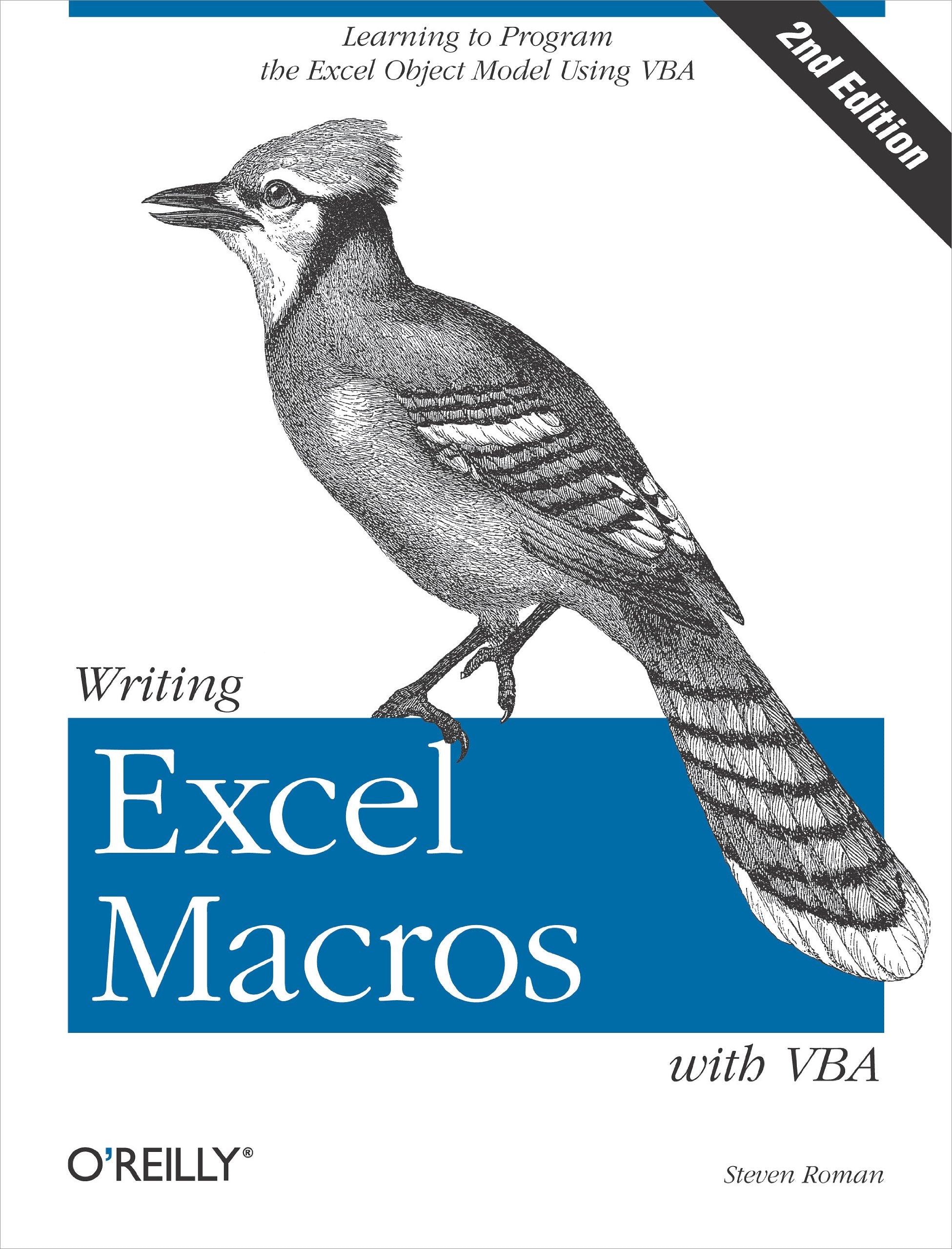
Title
Writing Excel Macros with VBA: Learning to Program the Excel Object Model Using VBA,Used
Sold by Ergodebooks, an authorized reseller.
Returns accepted within 30 days | support@ergodebooks.com
Shipping Information
- Free Standard Shipping — United States only
- Processing Time: 3–5 business days
- Estimated Delivery: 6–10 business days after dispatch
- Double-boxed, fully insured & discreetly packaged
- Tracking number sent via email once dispatched
Returns & Refund
Returns accepted within 30 days of delivery.
Damaged or Defective Item
Free return shipping + replacement or full refund
Wrong Item Received
Free return shipping + replacement or full refund
Change of Mind
Return shipping at customer's expense · 25% restocking fee applies
Payment Option

Newly updated for Excel 2002, Writing Excel Macros with VBA, 2nd Edition provides Excel powerusers, as well as programmers who are unfamiliar with the Excel object model, with a solid introduction to writing Visual Basic for Applications (VBA) macros and programs for Excel. In particular, the book focuses on: The Visual Basic Editor and the Excel VBA programming environment. Excel features a complete, stateoftheart integrated development environment for writing, running, testing, and debugging VBA macros. The VBA programming language, the same programming language used by the other applications in Microsoft Office XP and 2000, as well as by the retail editions of Visual Basic 6.0. The Excel object model, including new objects and new members of existing objects in Excel 2002. Excel exposes nearly all of its functionality through its object model, which is the means by which Excel can be controlled programmatically using VBA. While the Excel object model, with 192 objects, is the second largest among the Office applications, you need to be familiar with only a handful of objects to write effective macros. Writing Excel Macros focuses on these essential objects, but includes a discussion of many more objects as well. Writing Excel Macros with VBA, 2nd Edition is written in a terse, nononsense manner that is characteristic of Steven Roman's straightforward, practical approach. Instead of a slowpaced tutorial with a lot of handholding, Roman offers the essential information about Excel VBA that you must master to write macros effectively. This tutorial is reinforced by interesting and useful examples that solve common problems you're sure to have encountered. Writing Excel Macros with VBA, 2nd Edition is the book you need to delve into the basics of Excel VBA programming, enabling you to increase your power and productivity.
⚠️ WARNING (California Proposition 65):
This product may contain chemicals known to the State of California to cause cancer, birth defects, or other reproductive harm.
For more information, please visit www.P65Warnings.ca.gov.
- Q: What is the page count of this book? A: This book contains five hundred seventy pages. It is designed to provide in-depth information on writing Excel macros using VBA.
- Q: What are the dimensions of this book? A: The book measures seven point zero one inches in length, one point zero six inches in width, and nine point one nine inches in height. These dimensions make it convenient for reading and storage.
- Q: What type of binding does this book have? A: This book is paperback bound. This type of binding is lightweight and flexible, making it easy to handle.
- Q: How do I get started with Excel macros? A: To start with Excel macros, read the introductory chapters that explain the Visual Basic Editor and the VBA programming environment. These sections will guide you through setting up your workspace.
- Q: Is this book suitable for beginners? A: Yes, this book is suitable for beginners as well as experienced users. It provides a solid introduction to the Excel object model and VBA programming.
- Q: What level of programming knowledge is required for this book? A: No prior programming knowledge is required to understand this book. It is designed to help users who are new to the Excel object model.
- Q: How should I care for this book? A: To keep this book in good condition, store it in a cool, dry place, away from direct sunlight. Avoid bending the pages to preserve its integrity.
- Q: Can this book be used for professional development? A: Yes, this book is excellent for professional development. It covers advanced Excel VBA programming techniques that can enhance productivity in a business environment.
- Q: How do I troubleshoot common VBA issues? A: Common VBA issues can be addressed by consulting the troubleshooting sections in the book. It provides solutions to typical problems users encounter.
- Q: What if I receive a damaged book? A: If you receive a damaged book, contact the seller within a specified return period for a replacement or refund. Ensure you keep the original packaging for any return.
- Q: Is this book updated for the latest Excel version? A: This book is specifically updated for Excel 2002. While it contains relevant information, be aware that newer features in later versions may not be covered.
- Q: Are there examples to practice VBA programming? A: Yes, the book includes interesting examples that solve common problems. These practical examples are designed to reinforce your understanding of Excel VBA.
- Q: Who is the author of this book? A: The author of this book is Steven Roman. He is known for his straightforward and practical approach to teaching programming.
- Q: What genre does this book fall under? A: This book falls under the genre of programming and computer science, specifically focusing on Visual Basic for Applications in Excel.
- Q: Does this book cover the Excel object model? A: Yes, this book extensively covers the Excel object model, including essential objects and their functionalities for effective macro writing.