
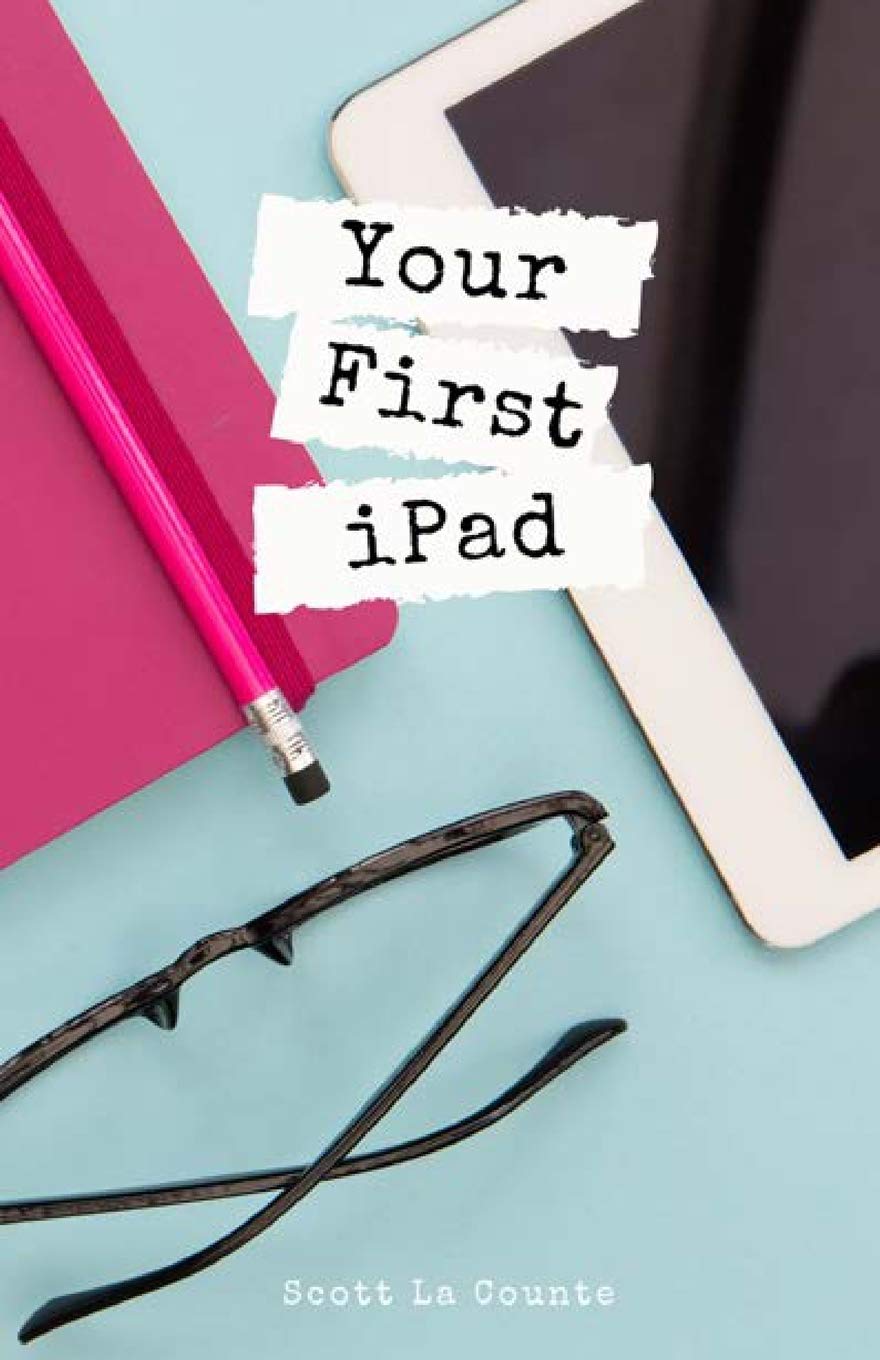
Title
Your First Ipad: The Easy Guide To Ipad 10.2 And Other Ipads Running Ipados 13
Sold by Ergodebooks, an authorized reseller.
Returns accepted within 30 days | support@ergodebooks.com
Shipping Information
- Free Standard Shipping — United States only
- Processing Time: 3–5 business days
- Estimated Delivery: 6–10 business days after dispatch
- Double-boxed, fully insured & discreetly packaged
- Tracking number sent via email once dispatched
Returns & Refund
Returns accepted within 30 days of delivery.
Damaged or Defective Item
Free return shipping + replacement or full refund
Wrong Item Received
Free return shipping + replacement or full refund
Change of Mind
Return shipping at customer's expense · 25% restocking fee applies
Payment Option

So Long Ios! Hello Ipados! Now How Do You Use It?!There'S A New Operating System In Town And It'S Turning Heads. I'M, Of Course, Talking About Ipados. It'S Apple'S Latest Way Of Bringing Mac And Ipad Closer Together.If You'Ve Used An Ipad Before, Then The Os Will Be Familiar To You, But There'S A Number Of New Things You Should Know About.If You'Ve Never Used An Ipad, Then This Book Will Help You Navigate Around The Device In A Way That'S Easy To Understand And Not So Comprehensive That You Feel Overwhelmed.Some Of The Many Topics Covered Include:What'S New In Ipados 13Cosmetics Of An Ipadmultitaskinggestures That You Should Knowusing Sidecarusing Split Screenbuying, Updating, And Removing Appsapple Services (Apple Music, Icloud, Apple Arcade, Apple Tv+, Apple Card)Family Sharingusing Siritaking, Editing, Organizing And Sharing Photosusing Preinstalled Apps Like Reminders, Maps, Notes, Calendarand Much, Much More!This Book Is Based Off Of The Ipad 10.2 (The One With A Home Buttonnot The Pro Models That Have Abandoned Buttons); That Doesn'T Mean It'S Not Useful If Your Ipad Doesn'T Have One, But Some Features Will Work Slightly Differently.Ready To Get Started? Let'S Go!
⚠️ WARNING (California Proposition 65):
This product may contain chemicals known to the State of California to cause cancer, birth defects, or other reproductive harm.
For more information, please visit www.P65Warnings.ca.gov.
- Q: What is the main focus of 'Your First iPad' guide? A: The book focuses on helping users understand and navigate iPadOS 13, covering new features, multitasking, gestures, and more for the iPad 10.2.
- Q: Who is the author of this book? A: The author of 'Your First iPad' is Scott La Counte.
- Q: What iPad models does this book cover? A: The book specifically addresses the iPad 10.2, but it also provides relevant information for other iPads running iPadOS 13.
- Q: Is this book suitable for beginners? A: Yes, this guide is designed for both new and experienced users, providing easy-to-understand instructions without overwhelming details.
- Q: What are some key topics included in the book? A: Key topics include multitasking, using Sidecar, managing apps, Apple Services, and taking and sharing photos.
- Q: How many pages does this book have? A: The book contains 190 pages.
- Q: What type of binding does this book have? A: This book is available in paperback binding.
- Q: When was 'Your First iPad' published? A: The book was published on November 1, 2019.
- Q: What condition is the book in? A: The book is in new condition.
- Q: Is there any requirement to use this guide? A: No specific requirements are needed, but owning an iPad running iPadOS 13 will enhance the learning experience.